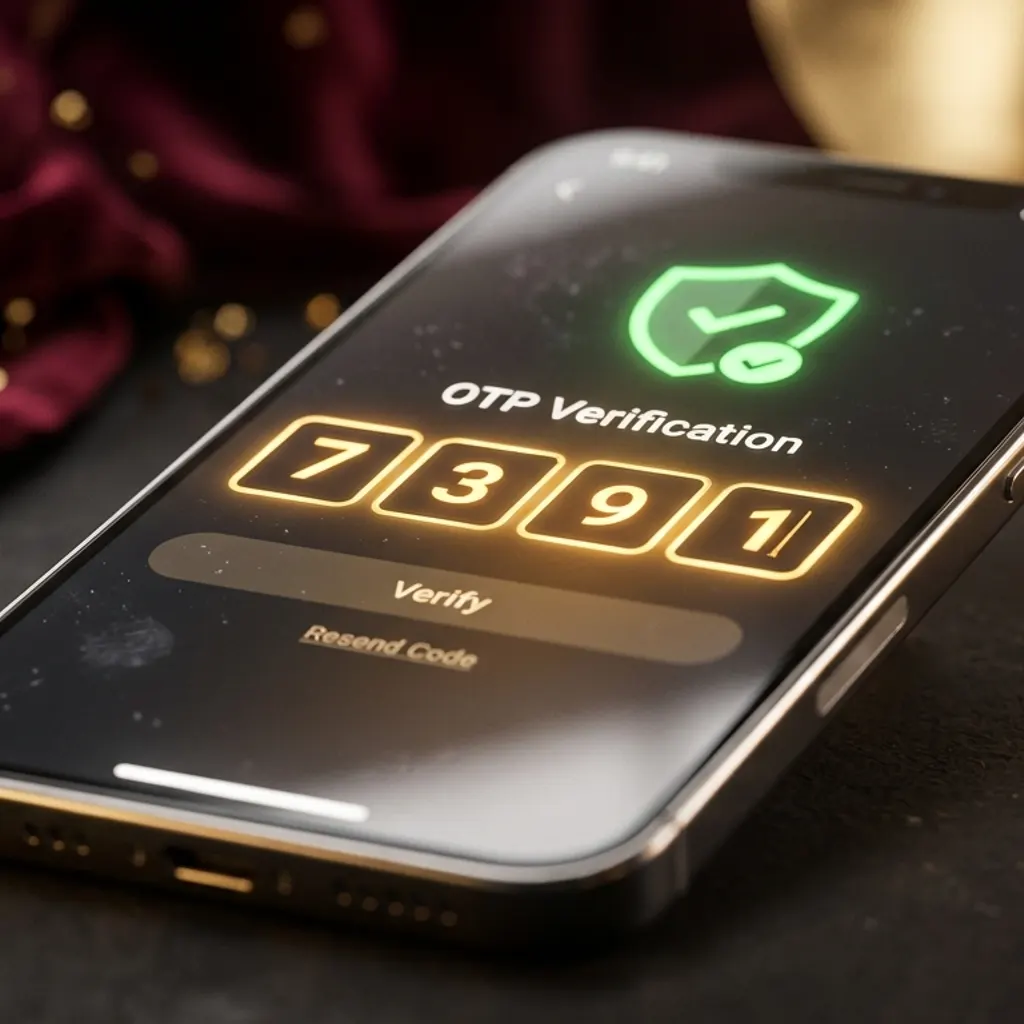
To complete your play99 login, open the official sign-in link sent to your WhatsApp by 8626043284, enter your 6-to-14-character alphanumeric username in lowercase, type your case-sensitive password while checking the eye icon, and enter the 6-digit one-time code within 60 seconds if prompted on a new device.
Your active play99 login page URL is sent directly inside your verified WhatsApp thread with 8626043284 when your account is activated with ₹100. Text "Login link" to 8626043284 anytime to receive the current low-latency sign-in URL in under 60 seconds.
If you hit a forgot password error, stop guessing after two tries so you don't trigger a 15-minute lockout. Message 8626043284 on WhatsApp from your registered mobile number with your username or last ₹100+ UPI UTR receipt, and our operator will reset your password in 90 seconds for ₹0.
You can bind your account to two devices—such as your smartphone and your home laptop—so neither asks for an OTP on every visit. However, only one live betting session can stay open at a time; signing in on your laptop automatically signs out your phone tab.
Over 90% of failed login errors happen because you typed your 10-digit mobile number instead of your username, your keyboard capitalized the first letter of your handle, a pasted password included a trailing space, or you tapped an expired bookmark instead of the active link from 8626043284.
No, you don't need an OTP on every visit. Once you verify your personal phone and allow cookies, our server recognizes your device fingerprint silently; a 60-second one-time code only triggers on a new device, an Incognito window, a cleared cache, or a VPN IP jump.
Sign in inside standard Chrome or Safari on your fingerprint-locked personal phone, tick the trusted-device option, and stop storage-cleaner apps from wiping your browser cookies overnight. Your session token will stay active for up to 7 days.
While TLS 1.3 encryption protects your credentials in transit, open public wifi at stations, airports, or cafes can drop live WebSockets mid-bet or route through untrusted captive portals. Always switch to your 4G or 5G mobile data before signing in to your INR wallet.
Tap your Profile icon in the header, open Account Settings → Change Password, enter your current PIN, and save a new 10-to-16-character password mixing letters, numbers, and a symbol. Tap "Update" when your browser offers to save the new password.
If five wrong password attempts triggered a 15-minute pause or a VPN jump placed a security hold on your wallet, message 8626043284 from your registered WhatsApp number with your username or last ₹100+ UPI UTR to restore access in 90 seconds.
Standard withdrawals from ₹100 upward are submitted inside the logged-in Cashier drawer and clear via UPI or IMPS in 12 to 25 minutes. If your phone screen is broken or a local network issue blocks your browser, you can request a verified payout directly from your registered WhatsApp number on 8626043284.
Open Account Settings → Security and tap Log Out of All Other Devices, or simply change your password. Both actions immediately revoke every active session token across all browsers on phones, tablets, and laptops.
No—your mobile play99 account login uses the exact same lowercase username, password, and single INR balance as desktop. It runs natively inside mobile Chrome and Safari at 60fps with zero APK download required.
Yes, the official sign-in portal runs on 256-bit TLS 1.3 encryption with HTTP-only session tokens, adaptive 6-digit OTP device checks, five-strike brute-force protection, and human-verified recovery on 8626043284.